Product / Billing and network workflows
MikroTik billing for PPPoE and hotspot networks
Manage subscriber plans and billing alongside MikroTik services. Choose the RouterOS version shown for your router and verify its configuration before rollout.
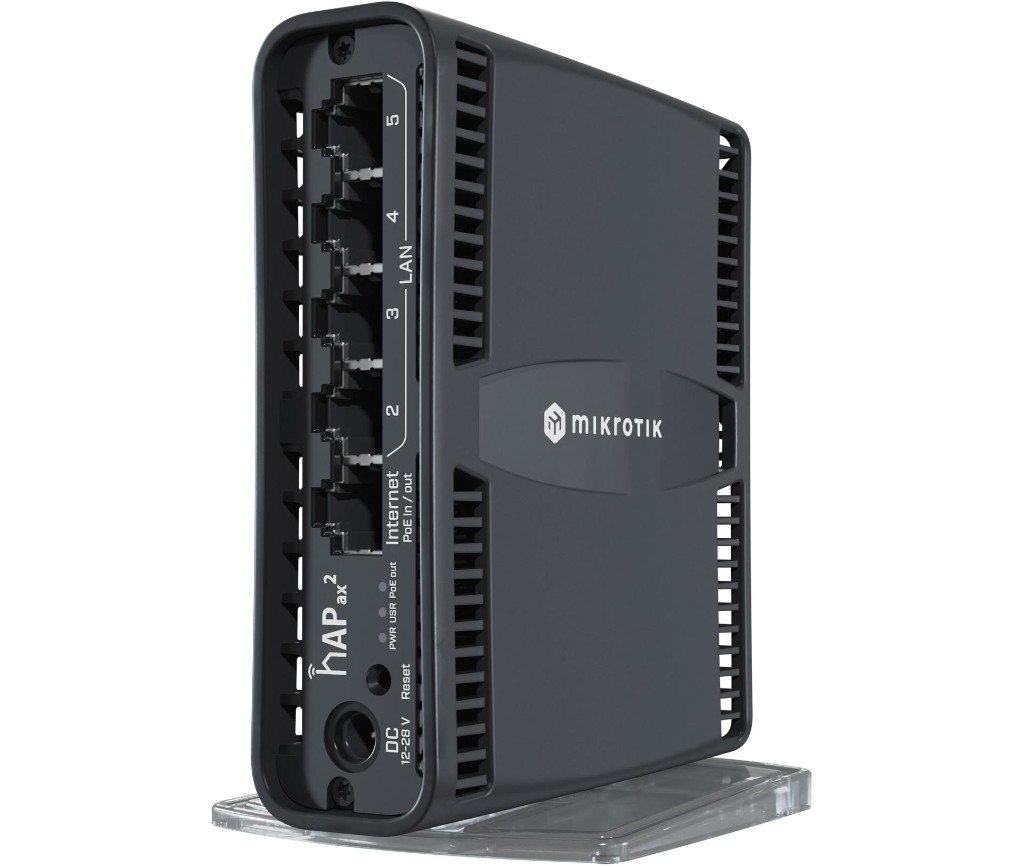
Prepare the router
Back up its configuration. Confirm the RouterOS version, WAN connectivity, management permissions, and your existing Hotspot or PPPoE design. Review service addresses and avoid overlapping network ranges.
Connect management and RADIUS
Add the router in PayGrid Billing and follow the generated onboarding steps for its VPN transport and services. Verify management reachability and RADIUS authentication and accounting before importing subscribers.
Trace one subscriber end to end
Assign a plan, verify RADIUS authentication and accounting, then check the active session on the router. Test expiry and renewal. A confirmed payment updates billing; it does not prove that the NAS received a CoA or that a session is online.
Go deeper
Setup documentation
Questions and boundaries
Before you start
Does this support both PPPoE and Hotspot?
Both are supported MikroTik workflows. Configure the appropriate service and validate it on a pilot subscriber before rollout.
Does every RouterOS feature apply to Omada?
No. RouterOS APIs, PPPoE provisioning and device-specific commands are MikroTik workflows. Omada uses its Controller integration.
Related workflows
Plan a pilot for your network
Discuss device compatibility, payment requirements and migration scope before a full rollout.
Contact the team